
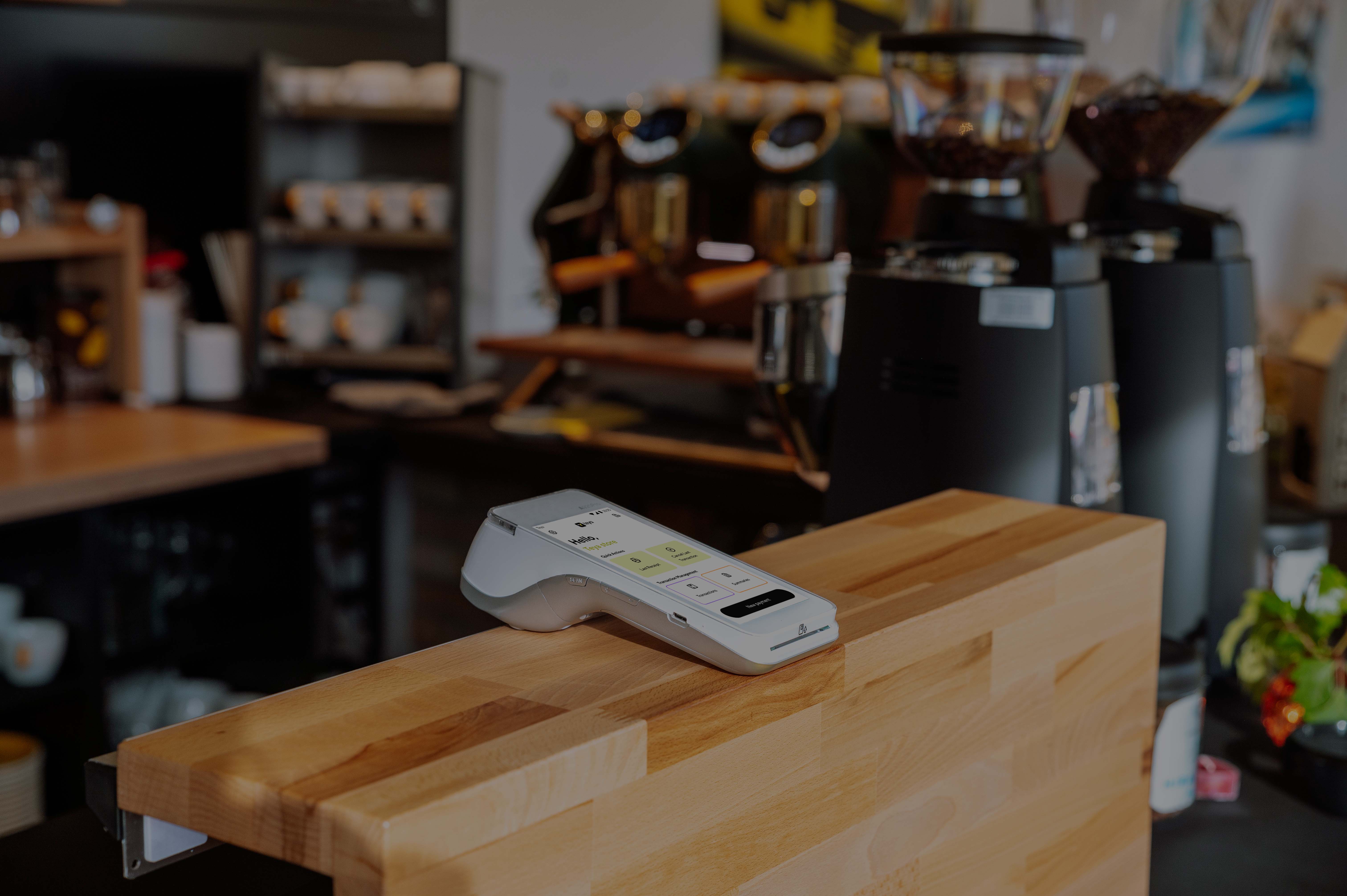
Welcome to Teya's help centre
Getting Started with Card Payments
Articles
Getting started with PAX A920 Pro
Welcome to Teya! Your card machine arrives in a Teya box, with a protection bag, and is fully charged. You just need to follow the guided setup, and your terminal will be ready for transactions. In the welcome box, you will find: Card machine PAX A920 Pro USB Type-C cable USB adaptor Spare paper
Getting started with PAX A80
Your PAX A80 card machine will arrive programmed with your business information. All you have to do is turn it on and connect to the internet, and you'll be ready to accept card payments. Important - to process payments, the card terminal must have an internet connection at all times. The A80 device
Getting Started with Pay By Link
Pay by Link is a method for accepting and processing payments remotely and instantly. With Teya, you can easily request payments from your customers via email or SMS. Simply create a payment link using your device, and they will receive a payment request immediately. Once they complete the transac
Getting started with Sunmi P2 Pro
Welcome to Teya! Your card machine arrives in a Teya box, with a protection bag, and is fully charged. You just need to follow the guided setup, and your terminal will be ready for transactions. In the welcome box, you will find: Card machine Sunmi P2 Pro USB Type-C cable USB adaptor Spare paper
Getting Started with End-of-Day Closure
What is an end-of-day closure? When you use your card machine, a daily session is initiated to record transactions. Each day, starting at 5 am GMT, the system automatically concludes this session, a process we call end-of-day closure or daily closure. Can I change the daily closure hour? In Teya,