
How To Refund a Pay By Link Transaction?
Updated
Refunding a Pay By Link transaction follows the same process as refunding a transaction made on a card machine. Simply follow these steps to complete a refund:
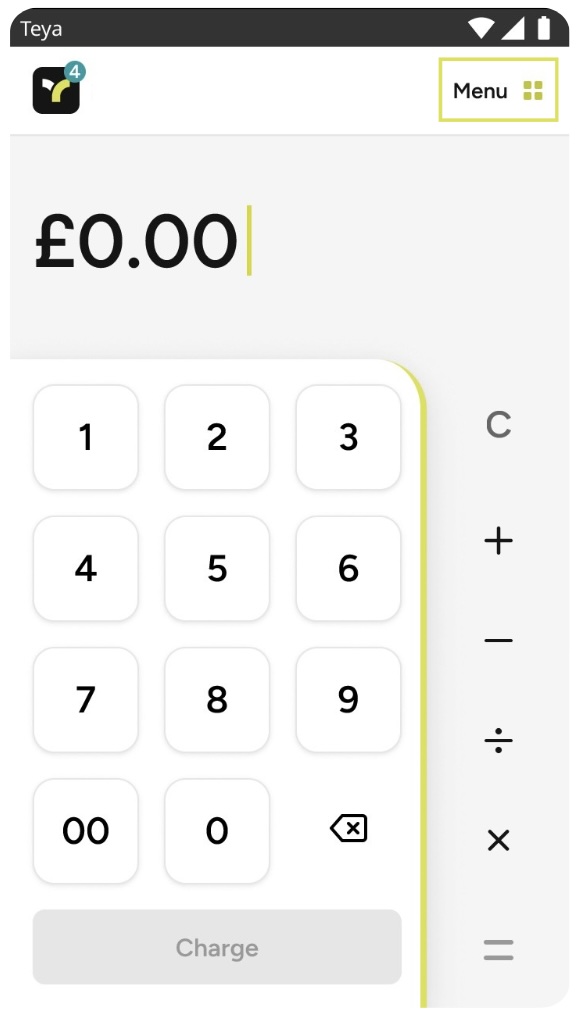
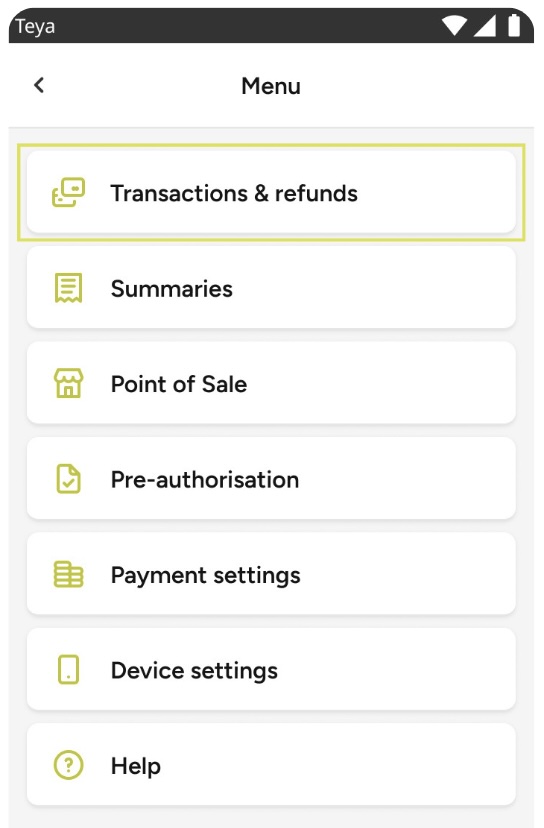
Step 1: Tap the Menu located in the upper right corner. |
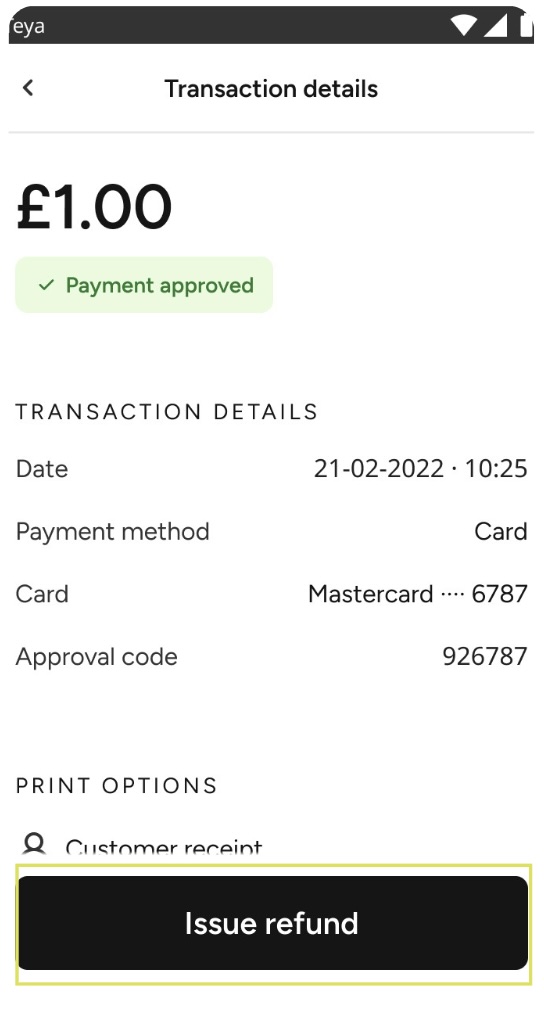
Step 5: Press Issue Refund. |
Step 2: Select Transactions & Refunds. |
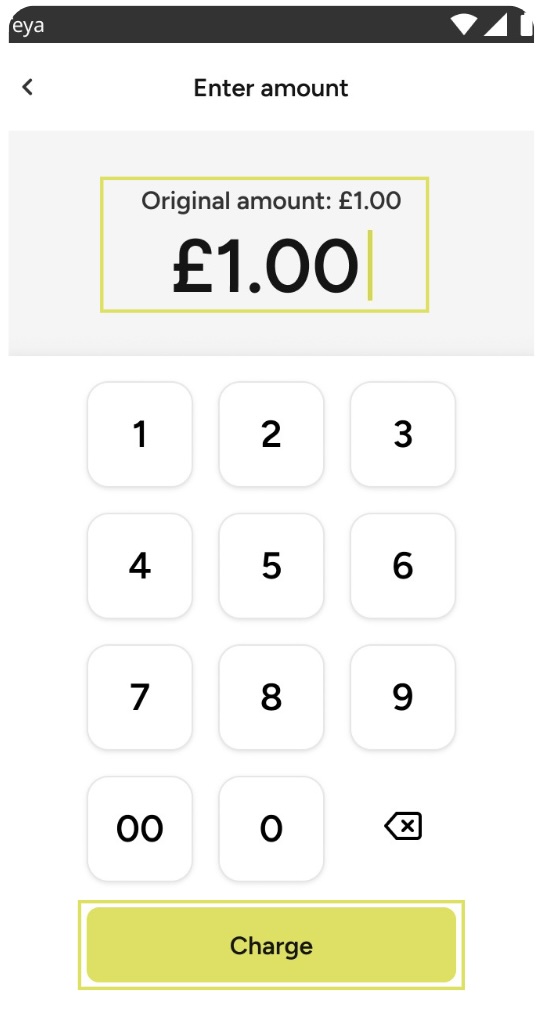
Step 6: Input the amount you would like to refund and press Charge. |
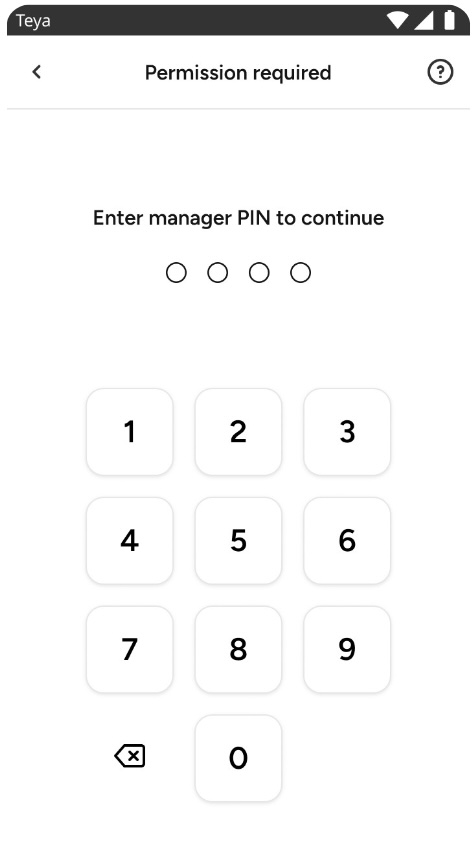
Step 3: Enter the Manager PIN. |
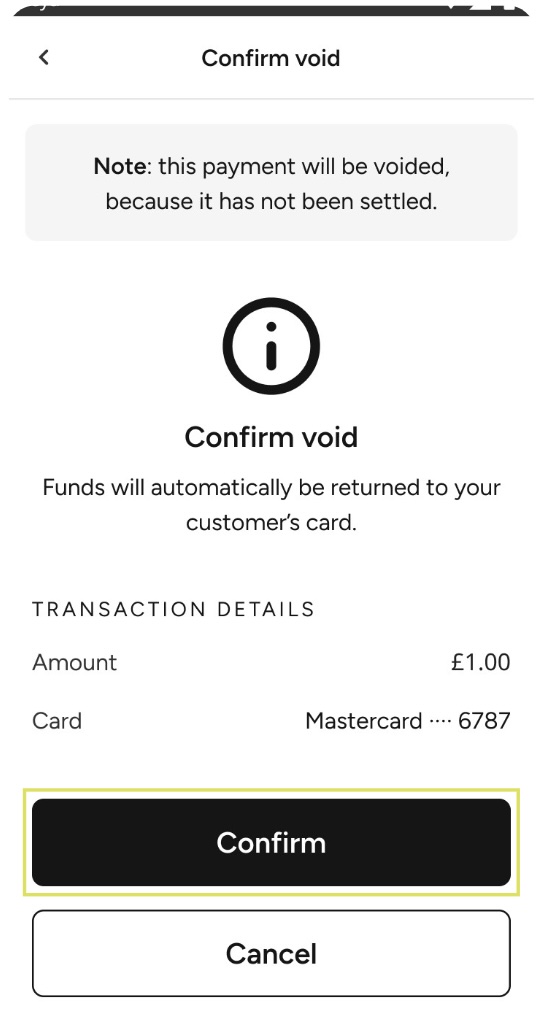
Step 7: Confirm the refund. |
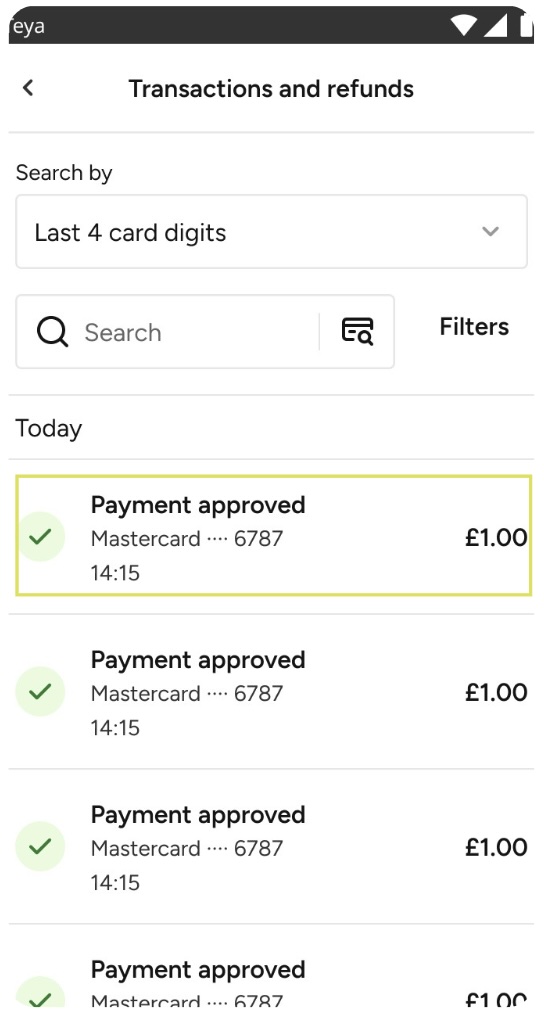
Step 4: Locate the transaction you wish to refund and click on it. |
Step 8: If needed, print the receipt. |
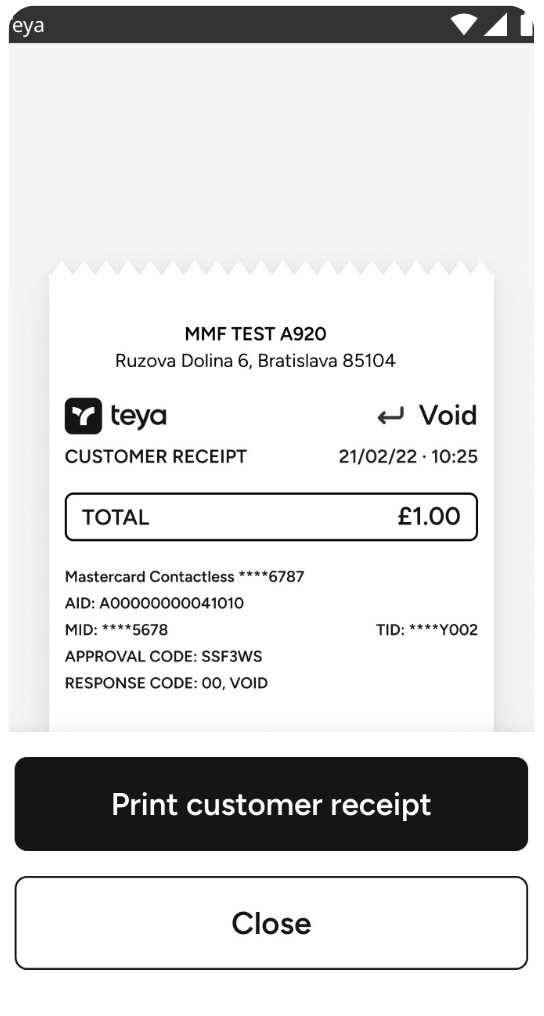
And, that’s it! You have now issued a refund, which can be viewed in the Transactions and Refunds.